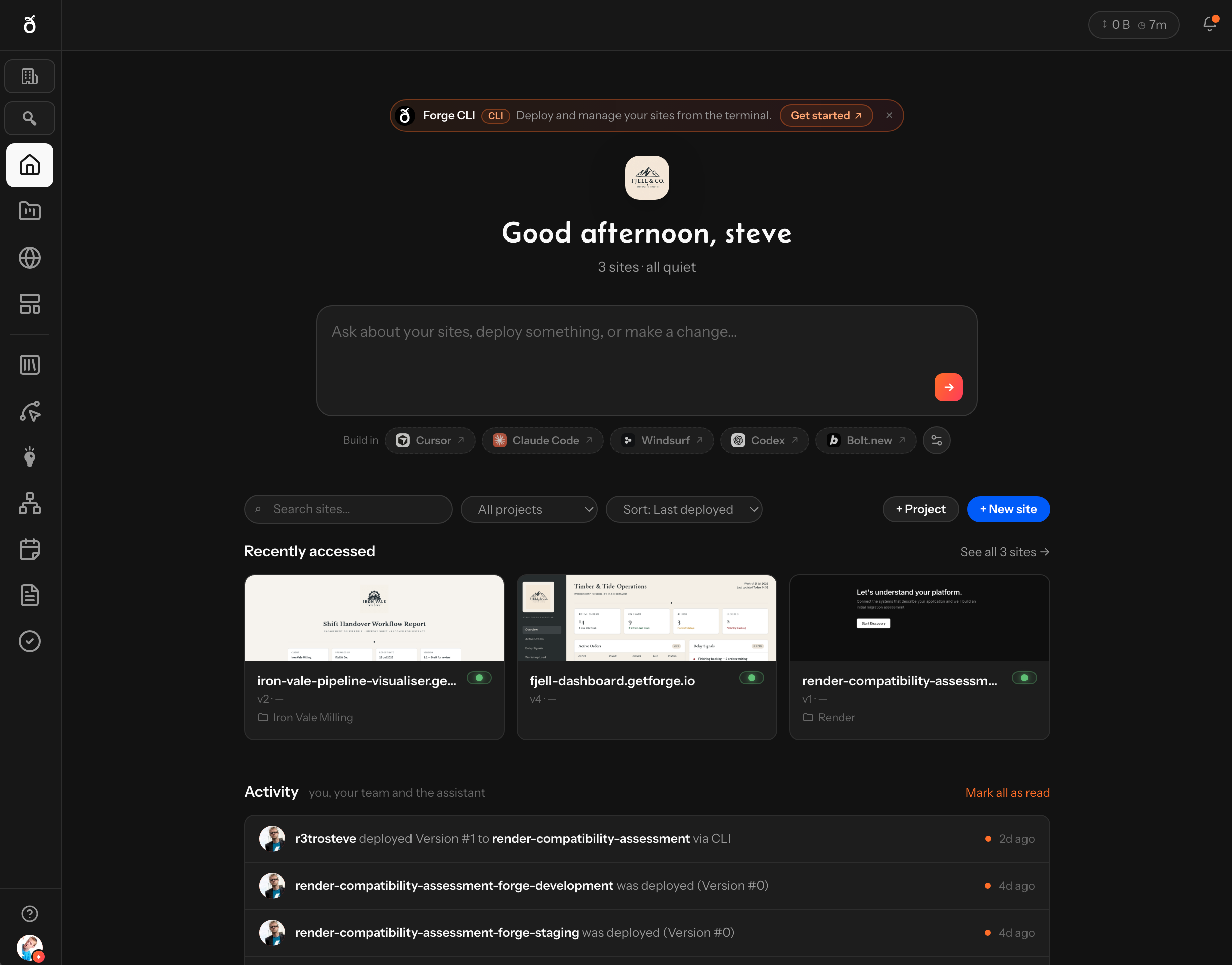
Bring your AI
Build with the tools that make you fastest.

No lock-in. Works with today's tools and tomorrow's.
 Powered by Forge
Everything after the prompt.
Projects, deployments, infrastructure, collaboration and AI agents — working together in one production workspace.
Switch between Cursor, Claude Code, Bolt, Copilot, Gemini or the next breakthrough model without changing how you deploy or manage your projects.
Gleo.dev becomes the stable foundation underneath your AI development workflow.






Use any AI coding tool you love. Gleo.dev runs the business around it — from generated code to production software.
Build with the tools that make you fastest.
No lock-in. Works with today's tools and tomorrow's.
Turn code into a production-ready application.
Managed infrastructure. Staging, production, SSL — zero ops.
An assistant that knows your workspace and helps you evolve.
Built to evolve. Iterate faster, ship safer, grow continuously.
From prompt to production — hosting, backends, forms, and AI tooling that ship together in Gleo.dev.
Organize work into projects and deployable sites — versioned deploys, live preview, custom domains, SSL, and sharing. Cloud compile for Vite, Astro, Webpack, and more.
Production, Staging, and Development per site — isolated URLs, deploys, forms, and env vars.
Chat-first assistant that reads your workspace and proposes confirmed actions — deploys, rollbacks, settings, forms, and webhooks.
Cursor, Claude Code, Hammer for Mac, or the Forge CLI — build anywhere, ship to Gleo.dev.
Markup-detected forms with storage, notifications, autoresponders, and CSV export.
Outgoing events on deploy and form submission — plus incoming redeploy URLs for CI.
Managed Parse backend per site — data APIs, dashboard, env vars, and editable Cloud Code.
Integrated whiteboard for design-to-delivery — attach boards to projects and collaborate in Gleo.dev.
Install workspace panels from the marketplace — or build your own with the protocol v2 SDK.
Script deployments from the terminal, or install Skills that package Gleo.dev workflows for Cursor, Claude Code, and other AI clients.
The Forge CLI handles login, deploys, environments, and project management. Skills encode best practices for building, validating, and shipping sites in your agent workflow.
Running playbooks and sessions? Gleo.ai Assistant and MCP →
Run structured programs on Gleo.ai — and ship deliverables as live Gleo.dev sites: production workflows, portals, and tools — not PDFs, decks, or pilot demos.
Open the platform, connect your AI tools, and ship your first site — staging and production environments ready when you are.
Open Gleo.dev →